
11 AI Chrome Extensions (2025) You’ll Use Every Day — Instant Speed Boost
TL;DR: Supercharge Chrome with these free (or free-tier) AI extensions for writing, research, video summaries, transcripts, and automation. Install, pin to your toolbar, and you’ll save hours every week.
🔥 Top Picks (Free-tier)
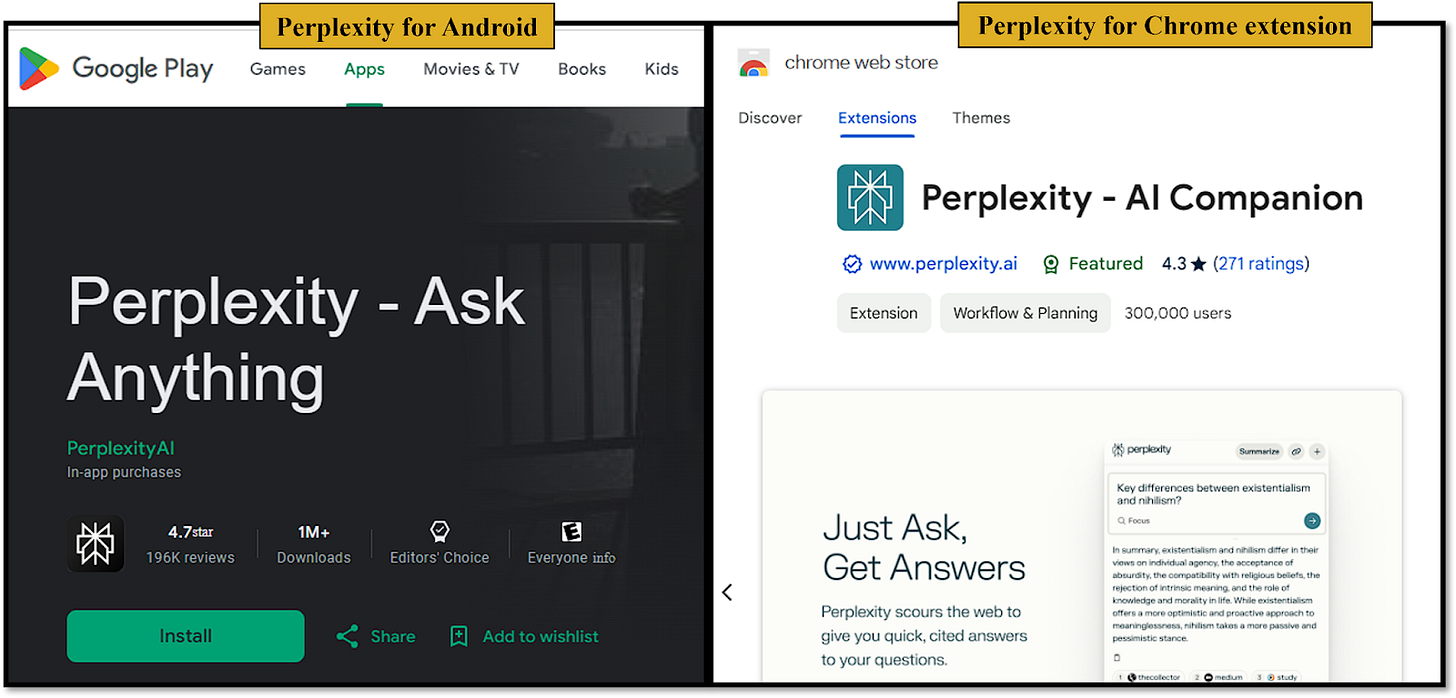
Perplexity — Instant research answers
Ask complex questions and get cited answers in a sidebar or a new tab. Great for briefs and sources.
Chrome Web Store perplexity.ai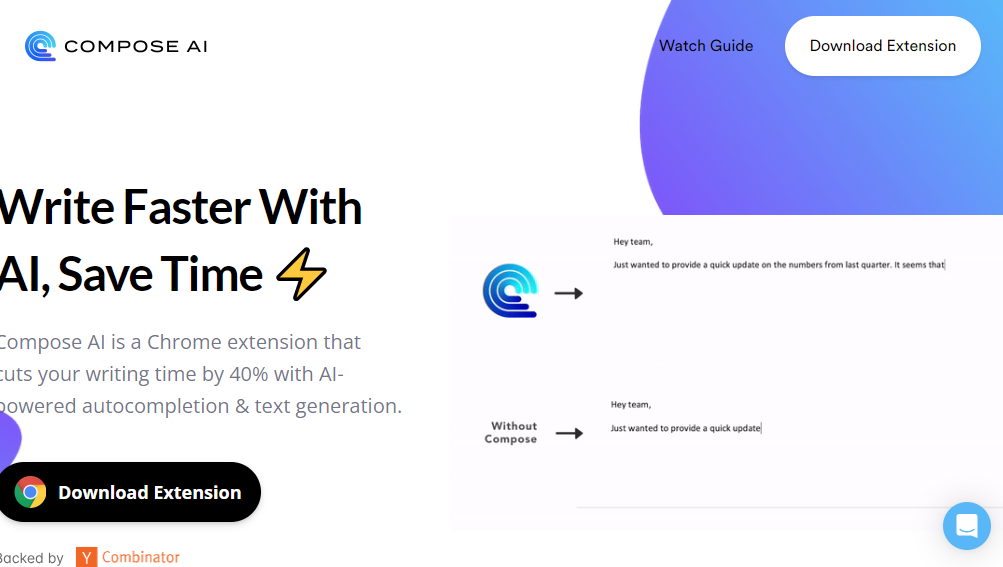
Compose AI — Autocomplete writing
Autocomplete emails and docs with Tab. Rewrite, shorten, or expand in-place.
Chrome Web Store compose.ai
Merlin — AI anywhere (Alt/⌥ + M)
Summarize, reply, explain, or generate content on any page via hotkey. Handy power-user tool.
Chrome Web Store merlin.foyer.work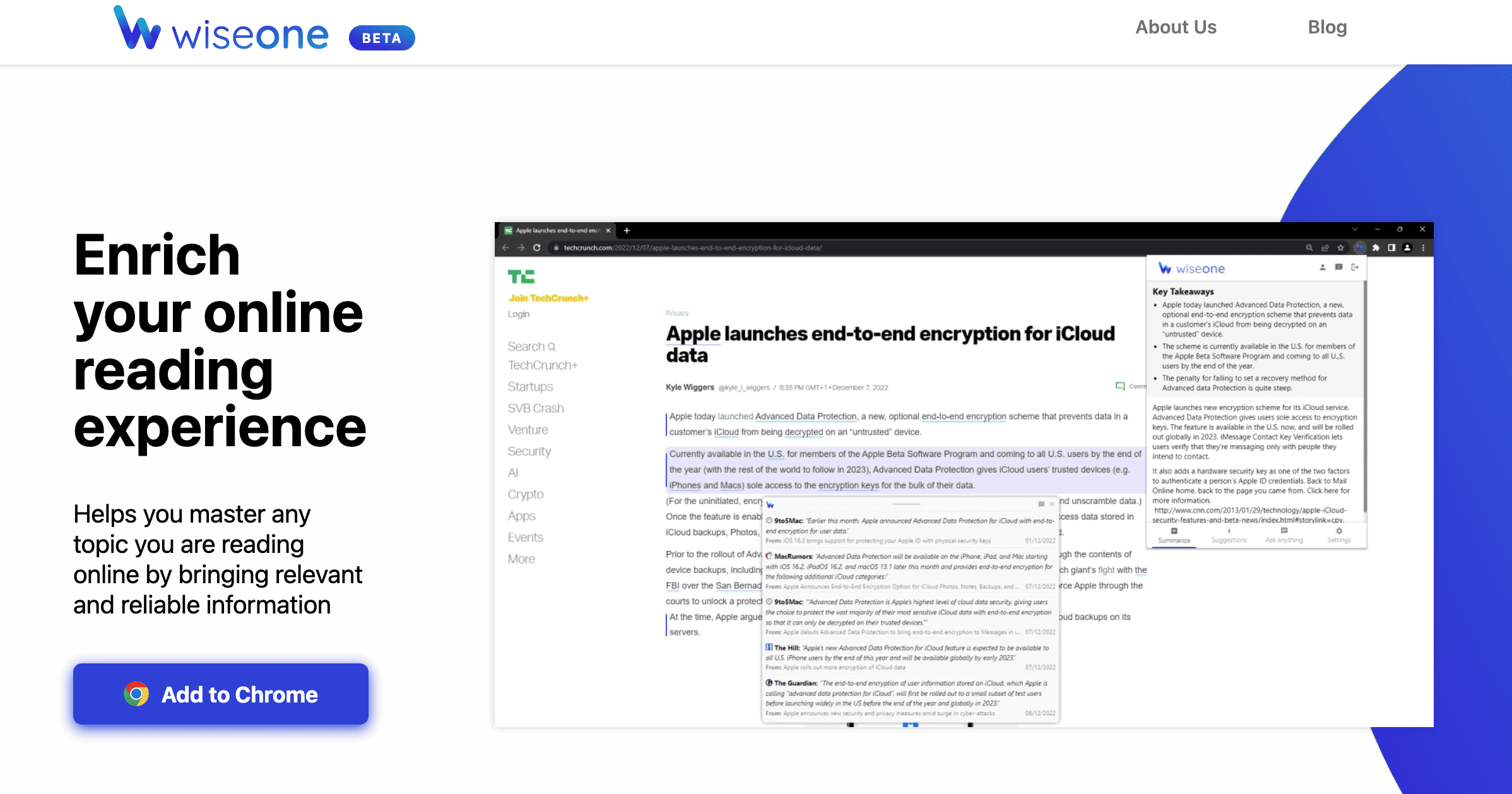
Wiseone — Research copilot
Understands articles, highlights claims, and links sources. Great for deep reading and fact checks.
Chrome Web Store wiseone.io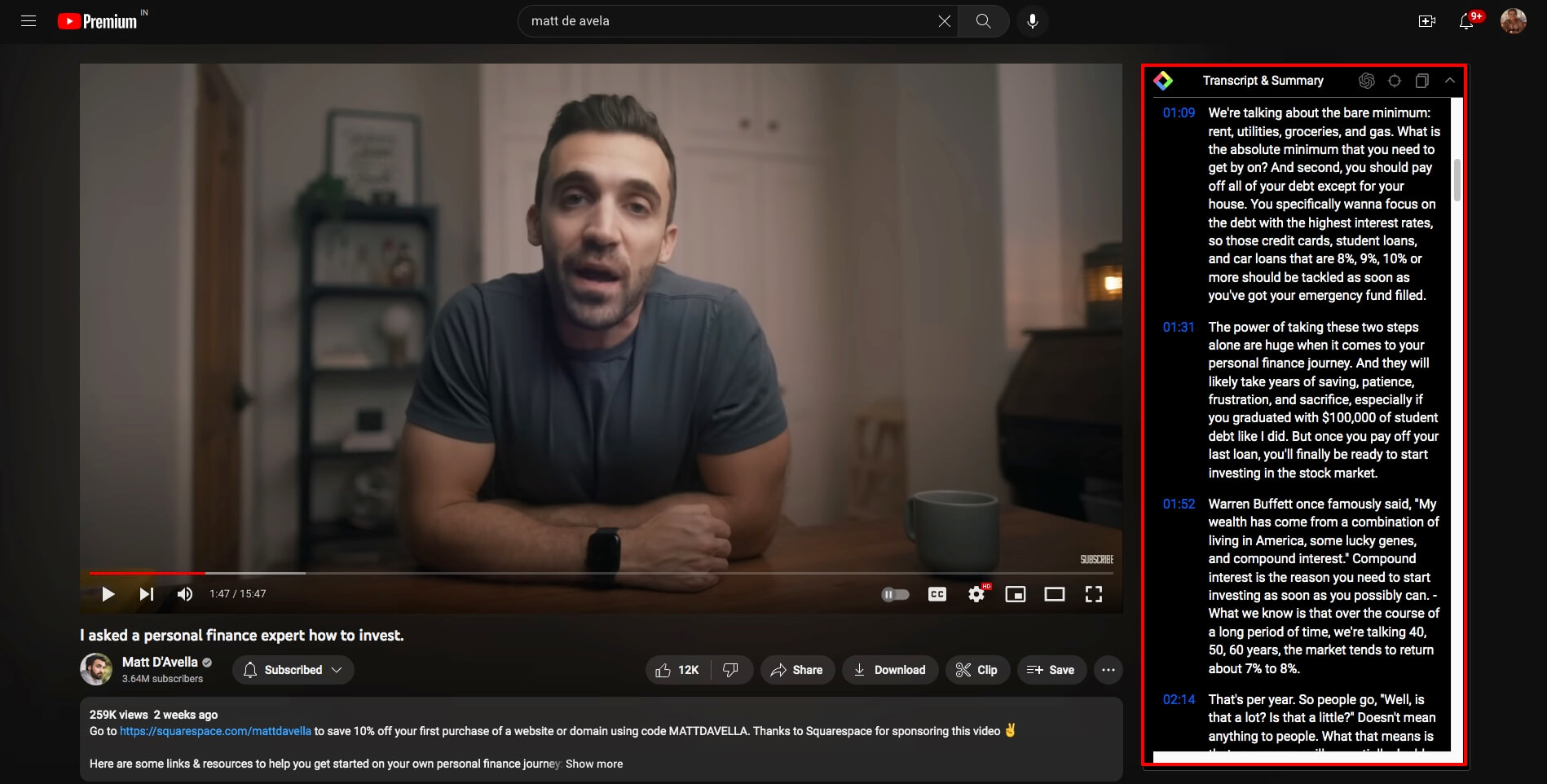
YouTube Summary (by Glasp) — TL;DR for videos
Instant video transcripts and summaries next to YouTube — perfect for long tutorials and lectures.
Chrome Web Store glasp.co
Tactiq — Live meeting transcripts
Captions and AI summaries for Google Meet/Zoom. Extract action items and share notes.
Chrome Web Store tactiq.io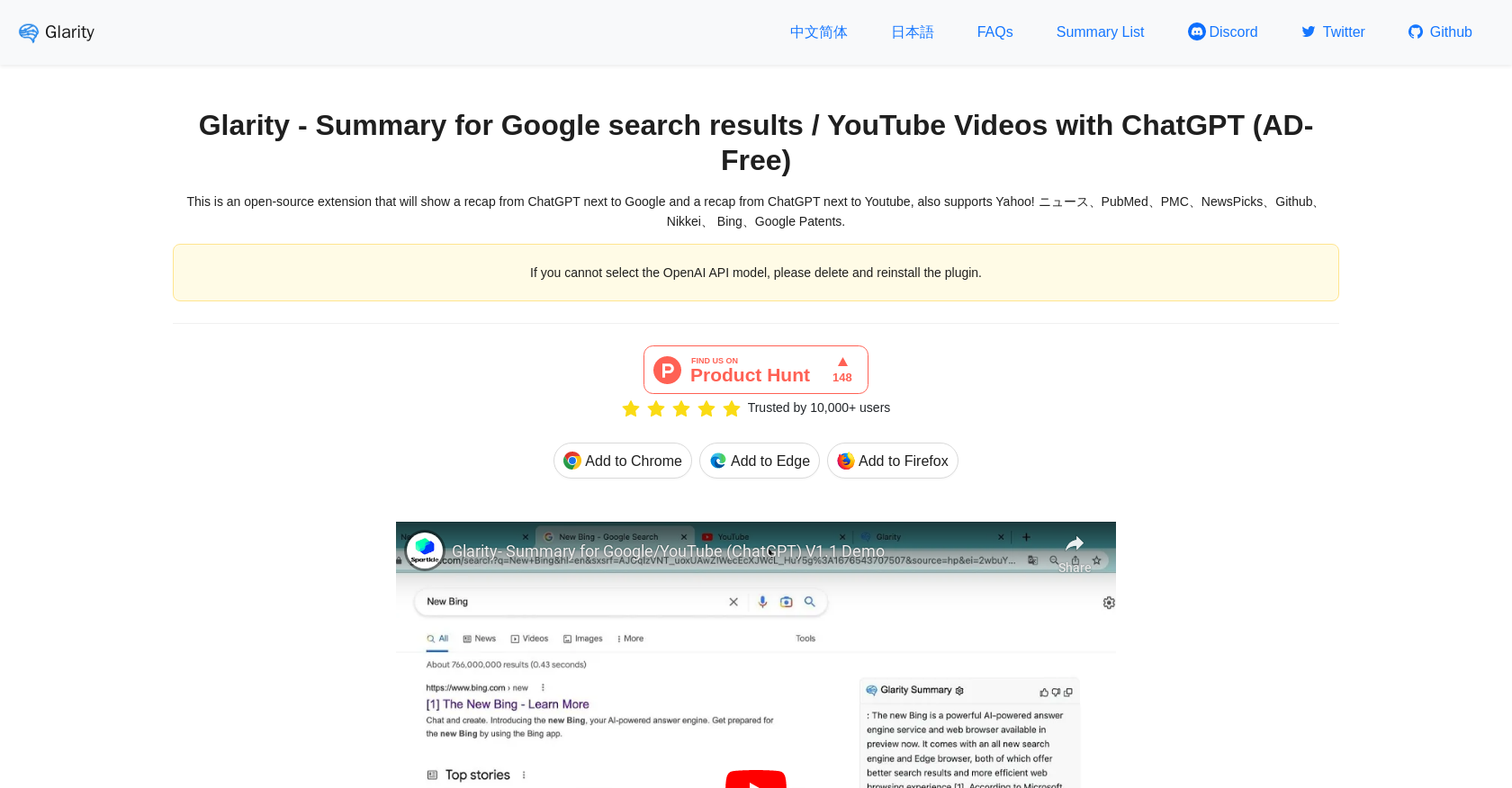
Glarity — Google & YouTube AI summaries
Summarizes Google results and YouTube videos; adds quick key points beside the content.
Chrome Web Store glarity.app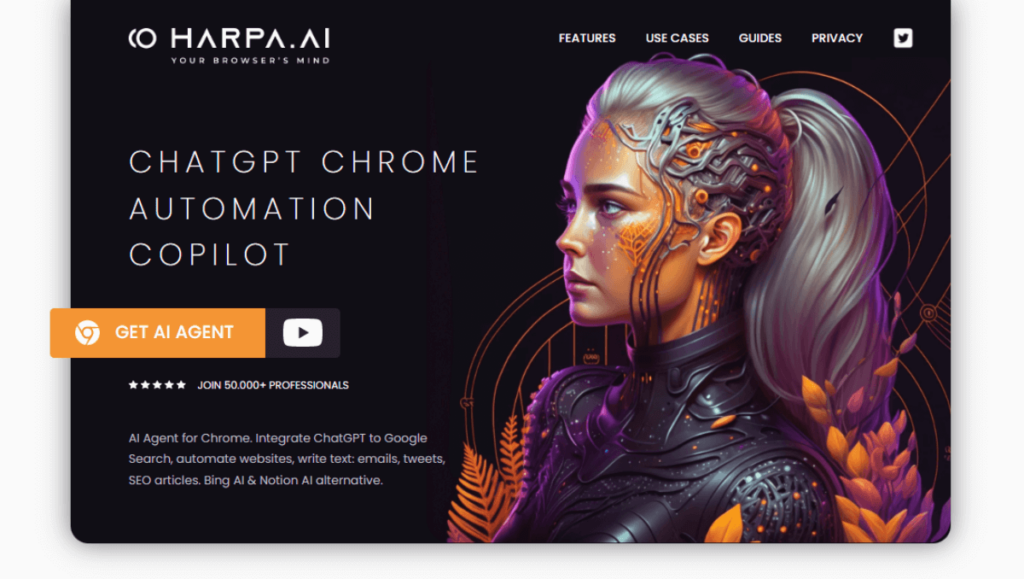
Harpa AI — Web automation + scraping
Automate tasks on web pages, extract data, and run AI prompts on the current site.
Chrome Web Store harpa.ai
Sider (ChatGPT Sidebar)
Always-on sidebar: translate, explain, summarize, and chat while you browse.
Chrome Web Store sider.ai
WebChatGPT — Add web access to chats
Pull up-to-date web snippets into your chat responses for current events and recent sources.
Chrome Web Store GitHub
Eightify — 8-point YouTube summaries
Fast AI summaries of long videos into 8 digestible bullets; great for learning channels.
Chrome Web Store eightify.app⚙️ Quick Setup (2 minutes)
- Open each tool’s Chrome Web Store page → click Add to Chrome.
- Pin: toolbar puzzle icon → pin your favorites for one-click access.
- Shortcuts:
chrome://extensions/shortcuts→ set hotkeys.
💡 Power Workflow
- Research: Perplexity + Wiseone for cited answers and source checks.
- Writing: Compose AI for drafting + Merlin for in-page rewrites.
- Video: Glarity or YouTube Summary to skim long videos in minutes.
- Meetings: Tactiq to capture transcripts + action items instantly.
- Automation: Harpa AI to extract, summarize, or auto-fill workflows.


2 Comments
Thanks for the information ☺️
ReplyDeleteyou are welcome😊
Delete