

Zphisher Explained — Defensive 6-Minute Guide
TL;DR: Zphisher is an open-source phishing toolkit that automates fake login pages and link exposure. This article is purely educational and defensive: we explain what it is, why it’s risky, and how to protect users and systems. We do not provide misuse steps.
What is Zphisher?
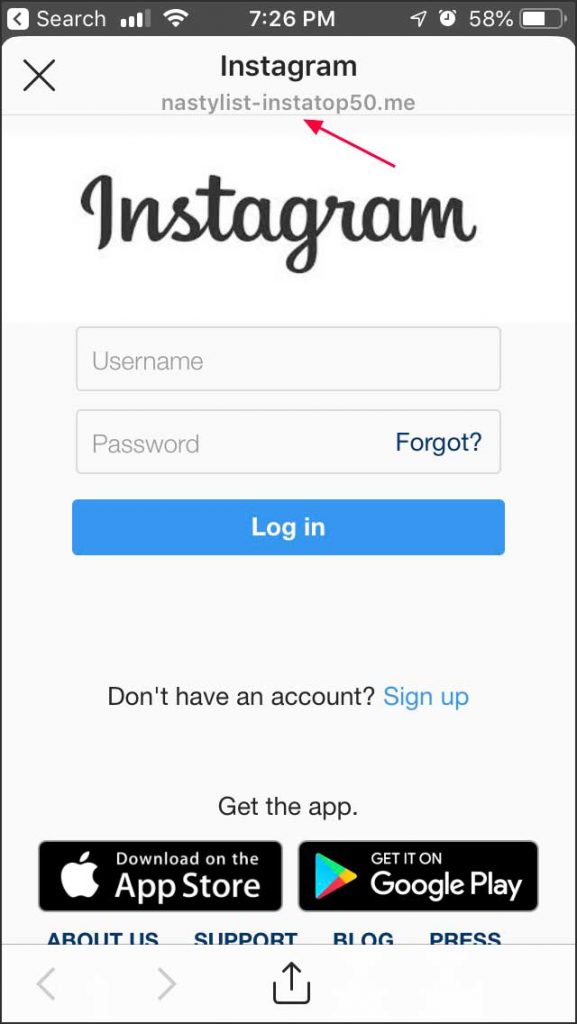
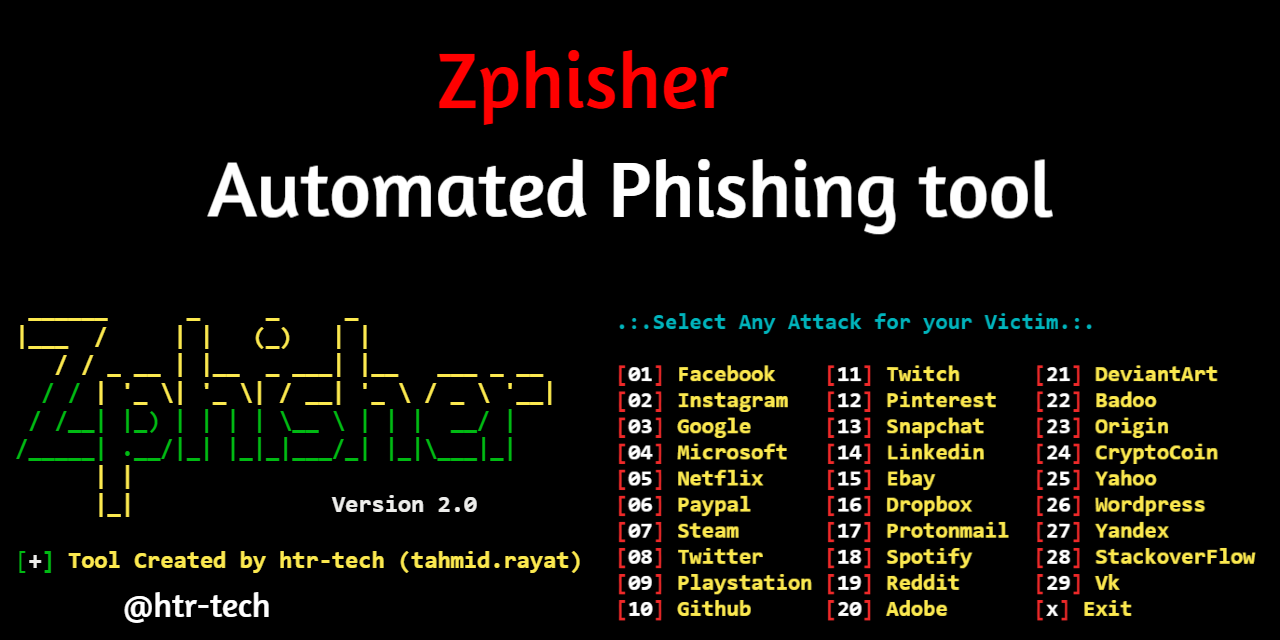
Zphisher is an open-source toolkit that automates creation of phishing pages that visually imitate popular services (e.g., mail, social, cloud). It often bundles multiple page templates and can expose a local page to the internet via tunneling services (like temporary links). It’s widely discussed in security research communities because it lowers the barrier for phishing.
Important: Tooling like this is dual-use. Unauthorized use is illegal and unethical.
 How phishing toolkits typically work (high-level)
A fake login page mimics branding and layout to trick users into entering credentials.
Temporary URLs (tunneling) make the local page reachable from the internet.
Links are spread through social engineering (email, DM, SMS) with urgent language.
Submitted data (username/password) is logged by the attacking server.
Legal & Ethical notice
This article is for education and defense only. Do not perform phishing or credential capture without explicit written authorization. Many regions criminalize unauthorized access attempts. Always follow your organization’s policies and local laws.
How to defend against Zphisher-style attacks
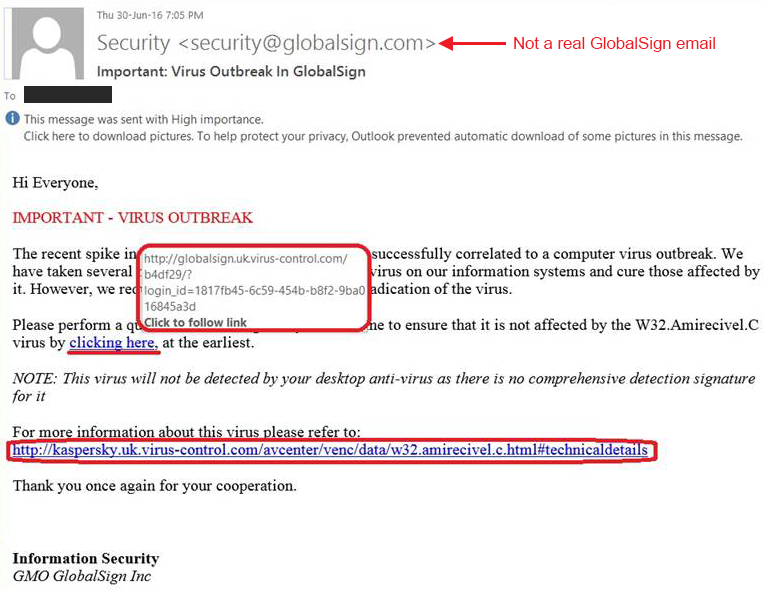
- Check links before login: verify the domain (look for misspellings, extra words, unusual TLDs). Even HTTPS can be present on fake sites.
- Enable multi-factor authentication (MFA/2FA): greatly reduces risk from stolen passwords.
- Use a password manager: managers auto-fill only on the exact legitimate domain, acting as a phishing tripwire.
- Email/SMS filtering: enable anti-phishing filters and safe-browsing protections in the browser and mail gateway.
- User awareness: train teams to spot urgent tone, attachment traps, and masked URLs. Hover to preview links.
- Monitor & alert: watch for unusual logins, repeated failures, unfamiliar geolocations/devices.
- Limit reuse: never reuse passwords across services; rotate when breaches are suspected.
Common signs of a phishing page

- Domain is slightly off (extra letters, hyphens, wrong TLD).
- Branding/fonts almost right but not exact; low-quality assets.
- Login page requests unusual data (recovery codes, card details) all at once.
- Page appears only via a long, random link; navigating from the official homepage doesn’t reach it.
If you suspect phishing — quick response
- Do not enter credentials; close the tab.
- Report the link to your security/contact point (or provider’s abuse address).
- If credentials were entered, change passwords immediately from a known-clean device and revoke sessions.
- Enable/verify MFA; review account security logs for unfamiliar access.
HOW they DONE it:
FAQ (safe & short)
Is Zphisher illegal? The software itself is not illegal; misuse is. Only operate in authorized lab environments or approved tests.
Should I ever click a suspicious link? No. Instead, navigate directly to the site by typing its URL or using a trusted bookmark.
Can MFA be bypassed? Some advanced attacks attempt this, but MFA still blocks many phishing attempts and is strongly recommended.
Published: Oct 2025 • 6 min


0 Comments